Zokie uses 5× less RAM when you run parallel agents
Running 7 AI coding agents on a 16 GB laptop is normal in 2026. The catch is that most developers lose a big slice of that memory to the editor before a single agent starts.
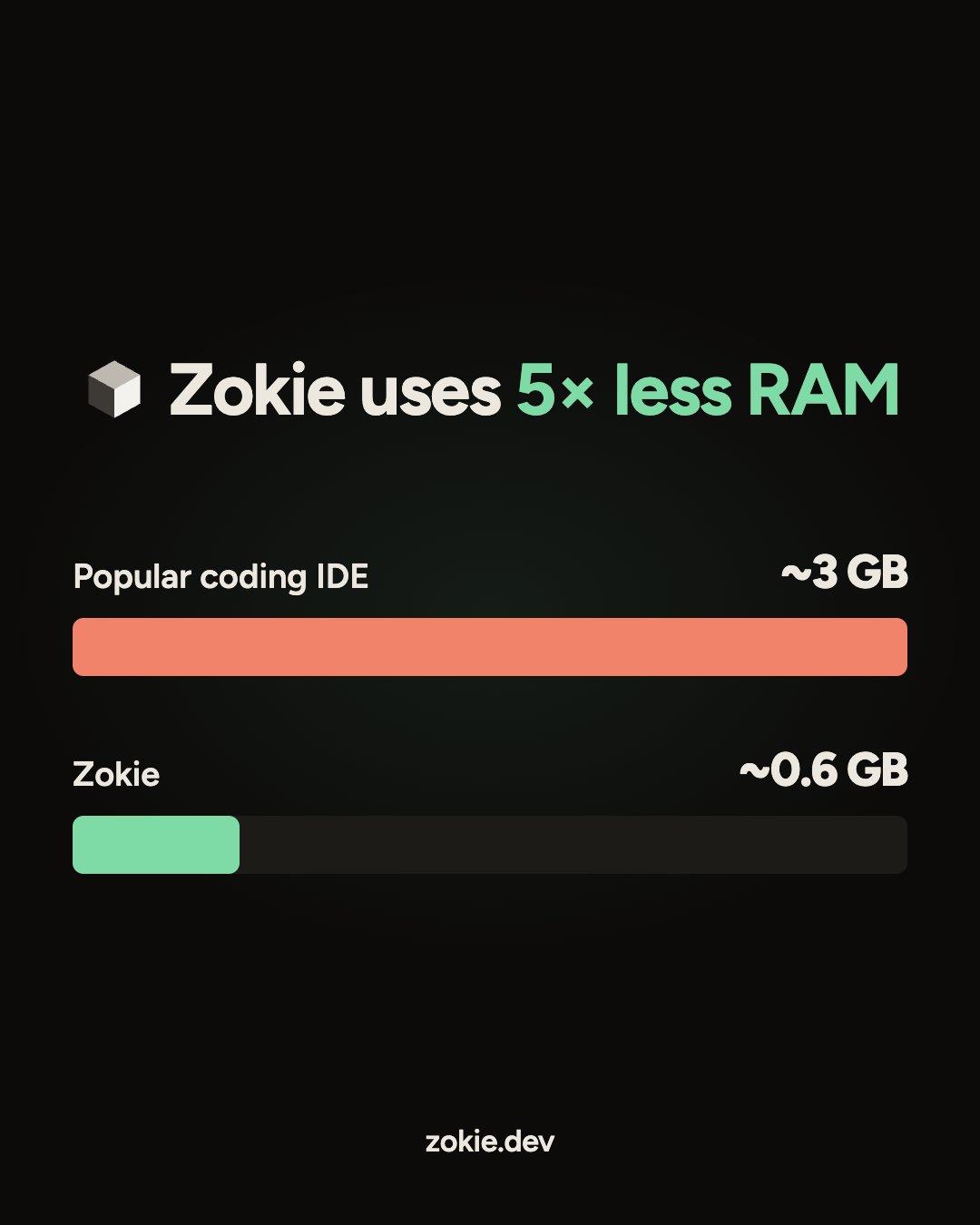
We measured it on an M3 MacBook. Three windows of a popular coding IDE, set up for three parallel agents, used about 3 GB of RAM with zero agents running. Zokie, running 7 Claude Code agents in one window, used about 0.6 GB. That's 5× less memory while doing more than twice the work.
This post covers how we measured it, why the gap exists, and what the test leaves out.
We measured the editor, not the agents
Every number here is the macOS memory footprint, the same figure Activity Monitor shows in its Memory column. We added it up across every process each app starts: the main app, its web views, GPU and network helpers, and for the IDE its extension hosts and language servers.
We left out the agents' own processes in both cases. A Claude Code agent uses the same memory whichever editor launches it, so counting it would hide the difference we wanted to see: what the app around your agents costs.
All runs were on one M3 MacBook.
Zokie runs 7 agents in a fifth of the memory a popular coding IDE needs for 3
Each extra IDE window added roughly 850 MB. At that rate, giving 7 agents a window each in that IDE would come to about 6.4 GB. That figure is our estimate from the per-window cost, not a measurement, so the headline uses the measured 5×
Every window of a popular coding IDE is close to a whole new app
The popular coding IDE we tested is built on Electron, which ships its own copy of Chromium. Each window gets its own renderer process and its own extension host, and every extension you have installed loads again inside that host.
In an earlier run on a single repo with 22 extensions, the extension hosts alone took 328 MB and the window renderers another 287 MB. The Claude extension added 190 MB on top.
That design makes sense for one window. It gets expensive once each parallel agent needs a window of its own, because the cost repeats with every one you open.
Zokie runs every agent in one native window
Zokie is a Go app that draws its interface with the web view macOS already has, instead of bundling Chromium. That is why the download is 24 MB.
The bigger saving is the layout. Zokie was built for parallel agents from the start, so all of them live as tasks inside one window. Adding an agent adds a task, not another copy of the app, its renderer and its extension host.
In the earlier single-repo run, the whole app came to about 350 MB: 109 MB for the main app, 208 MB for the web view, 24 MB for the GPU helper and 7 MB for the network helper.
What this test leaves out
-
• Your agents still need their own memory. Zokie doesn't make Claude Code lighter. It stops the editor around it from taking the rest of your machine.
-
• One machine. These numbers come from an M3 MacBook. Windows and Linux will differ.
-
• Your setup changes the IDE's number. Fewer extensions means less memory per window, and more means more.
-
• Memory moves over time. Footprint grows as you open files and run tools, so treat these as snapshots, not limits.
Check it on your own machine
-
Open your usual editor with the windows you'd use for parallel agents, and wait a minute for it to settle.
-
Open Activity Monitor, search for the app's name, and add up the Memory column across all its processes. Skip the agents' own processes.
-
Do the same with Zokie running the same number of agents, or more.
If your fans spin up by agent #3, try Zokie at zokie.dev.
More from Zokie
Zokie
15 Claude Code tips that save hours every week
Practical Claude Code tips for 2026: write a CLAUDE.md, plan before you build, use sub-agents, keep sessions short and review every diff.
Zokie
AI coding agents for teams: a playbook for shipping together
How engineering teams use Claude Code, Codex and other coding agents together: shared rules, one task board, human reviewers, guardrails and metrics.
Zokie
Git worktrees explained: a beginner's guide for AI coding
What a git worktree is, the five commands you need, how it differs from a branch or clone, and why AI coding agents need one per task.